

Log each set
Check off a set in one tap and let the timer count down your rest.
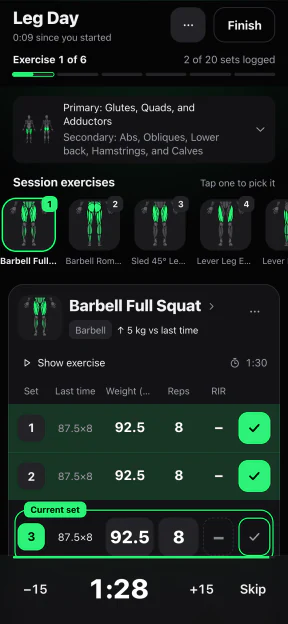
Log your workouts, follow a plan, and see how your strength changes over time.
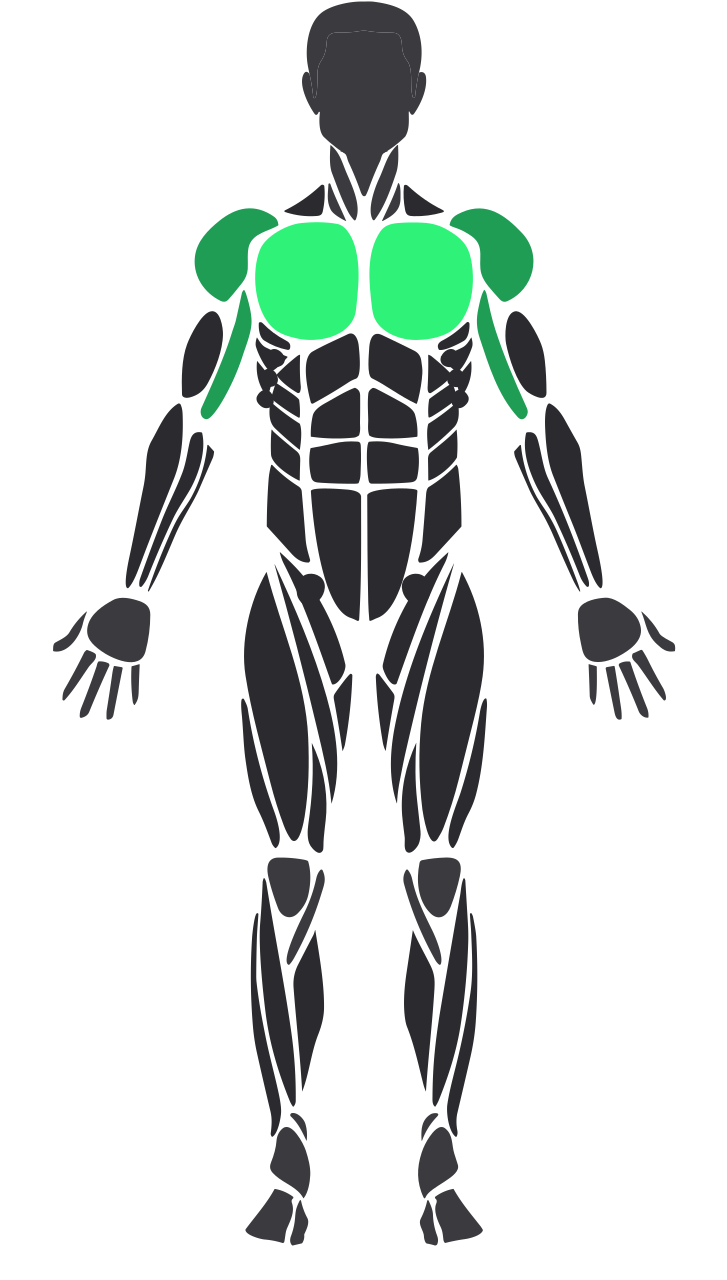
Every exercise has a Persian and an English name. Search for the one your coach uses, not a literal translation.
See each move before you do it.

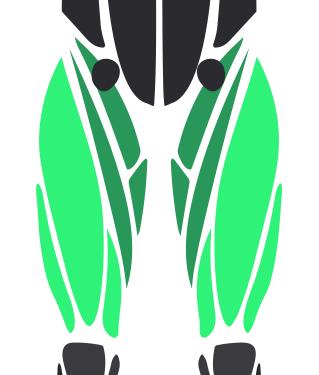
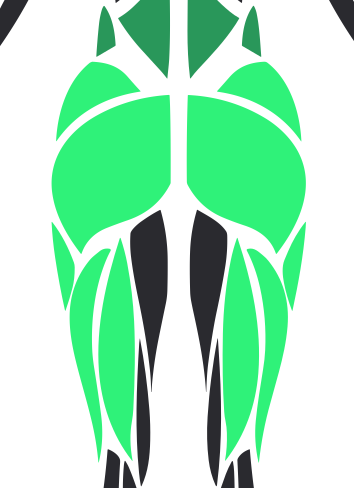
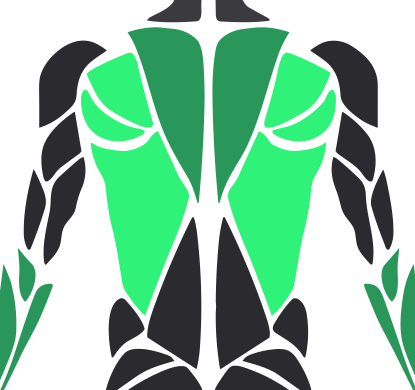

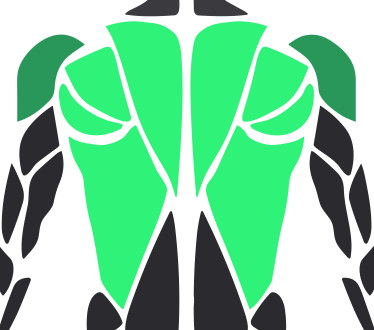

Check off a set in one tap and let the timer count down your rest.
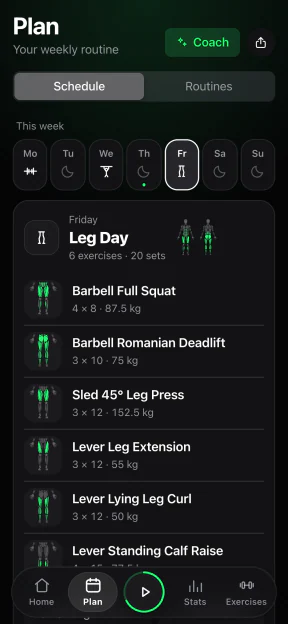
Pick a day to see the exercises, sets, reps, and weights in your plan.
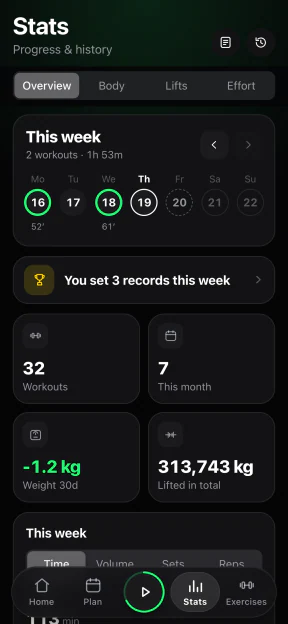
Track your training volume and see when you last set a personal record.
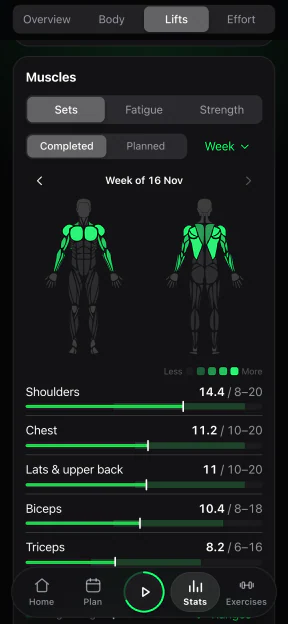
Compare this week’s sets for each muscle with its target range.
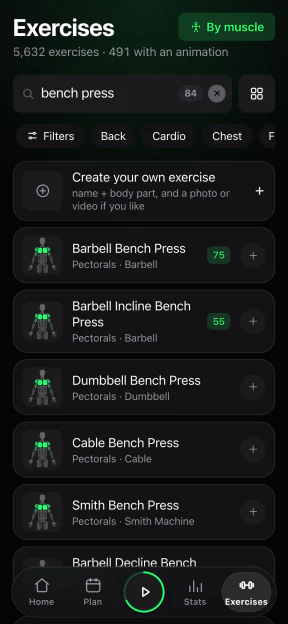
Browse 5,632 exercises by their Persian or English names, with animations for 491 of them.
Start with a ready-made plan or set up your own weekly routine.
Check last time’s weight and reps, tick off your set, and let the rest timer run.
After your workout, check the suggested weight for your next session.
Import a CSV from Strong or Hevy, or an export from Liftosaur, Liftoff, StrongLifts 5x5, Fitbod, or JEFIT.
FitShow saves sets on your phone while you train. When you’re back online, your workouts sync to your account.
Yes. You can log your sets through the whole session without an internet connection.
Your phone stores your workouts locally. When you’re online, they sync to your FitShow account.
FitShow runs on Android. Plans for an iPhone version are still unconfirmed.
Persian and English. The Persian interface reads right to left, and you can search for exercises by their Persian or English names.